Installation
From WordPress Admin (Recommended)
- Go to Plugins → Add New in your WordPress admin.
- Search for "Herodotus".
- Click Install Now, then Activate.
Manual Upload
- Download the plugin ZIP file from WordPress.org.
- Go to Plugins → Add New → Upload Plugin.
- Choose the ZIP file and click Install Now.
- Activate the plugin.
Via FTP
- Extract the ZIP file.
- Upload the entire
herodotusfolder to/wp-content/plugins/. - Go to Plugins in WordPress admin and activate Herodotus.
After Activation
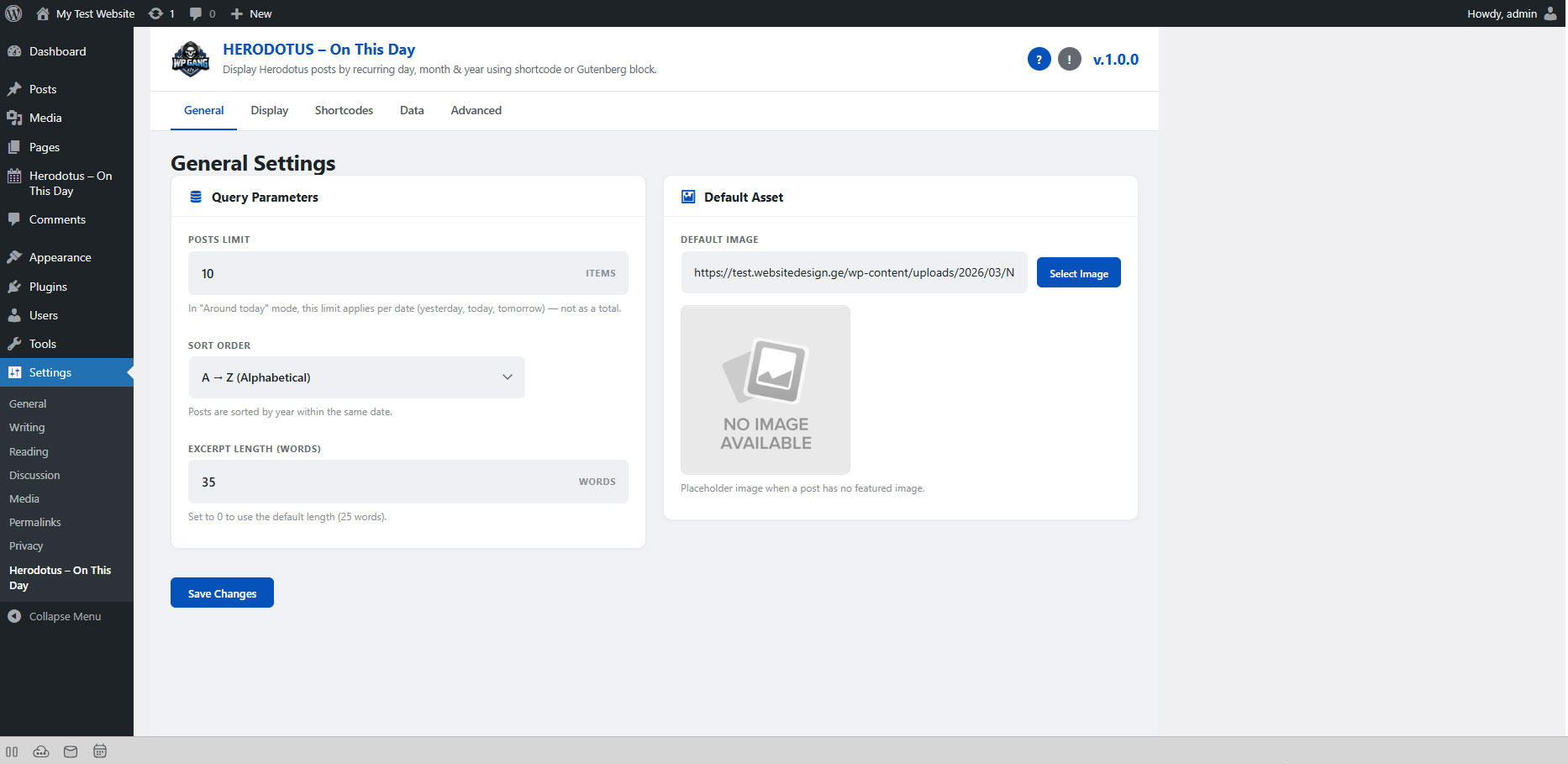
Once activated, you will see a new menu item in your admin sidebar:
Herodotus - On This Day
This menu contains: - All Events — list of all your historical events - Add New — create a new event - Categories — manage event categories
A settings page is also available at Settings → Herodotus.